
Independent tests, public data
AI photo tools, measured
Measured tests of AI upscalers, background removers and photo restoration, on public-domain photos with published data and code, plus free image tools that run in your browser and never upload your photos. Written by a computer-vision engineer.
Free tools
-
Free tool
Image resizer and compressor
Shrink a batch of photos for the web or email, choose JPEG, WebP or AVIF, see the real file size, and remove camera and GPS metadata. Nothing is uploaded.
-
Free tool
PSNR and SSIM calculator
Compare an original with an upscaled, compressed or edited copy. PSNR, SSIM and a heat map of the differences, computed on your device.
From the baselines
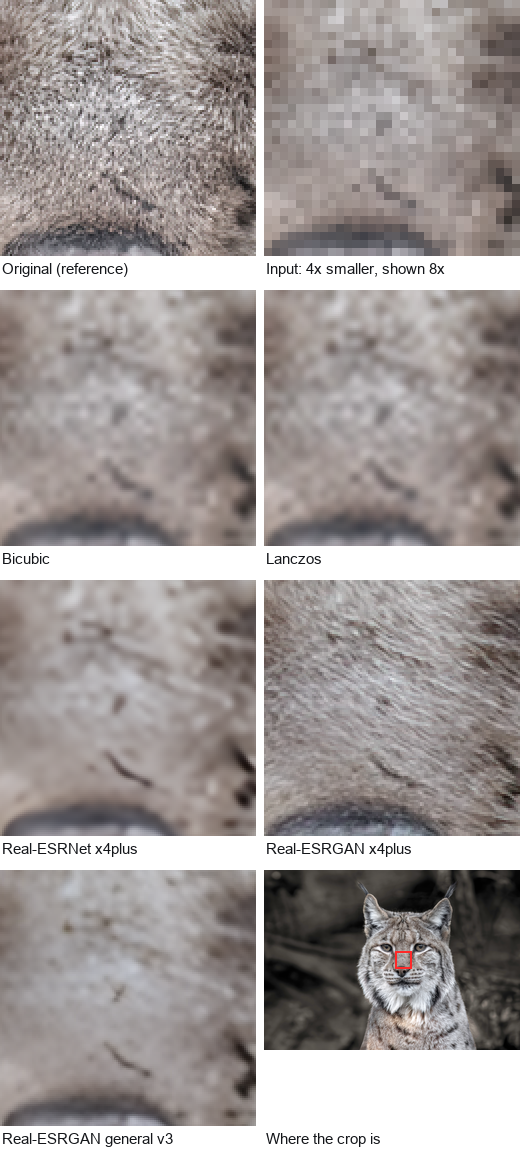
The same lynx fur, enlarged four times, five ways
A 128 × 128 pixel region of the lynx photo: the original, the 32 × 32 pixels each method started from, and what bicubic, Lanczos and three Real-ESRGAN models made of them. Interpolation is soft but invents nothing. The generative model draws sharp, convincing fur that is not exactly where the real fur was.
That gap, between looking right and being right, is what the scores on this site measure.
The test set
12 photos, every one public domain or CC0
Portraits, landscapes, lettering and fine texture: the subjects where upscalers differ most. Each frame opens its crops and scores.
-
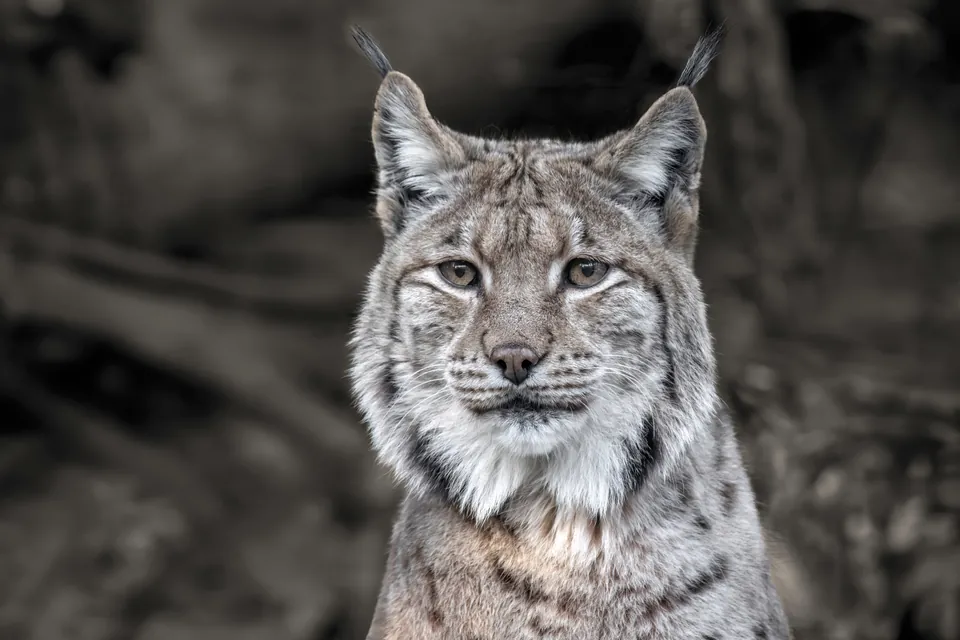
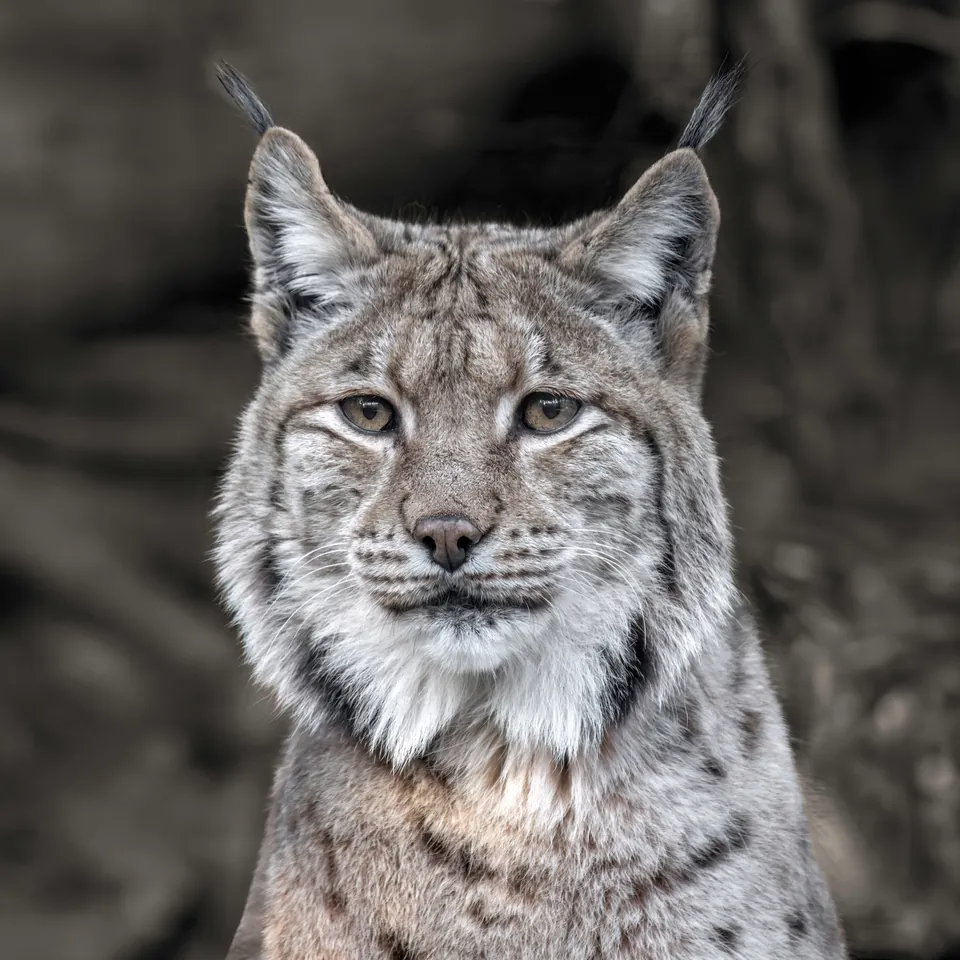 01 Carpathian lynx
Wilfredor · CC0
01 Carpathian lynx
Wilfredor · CC0
-
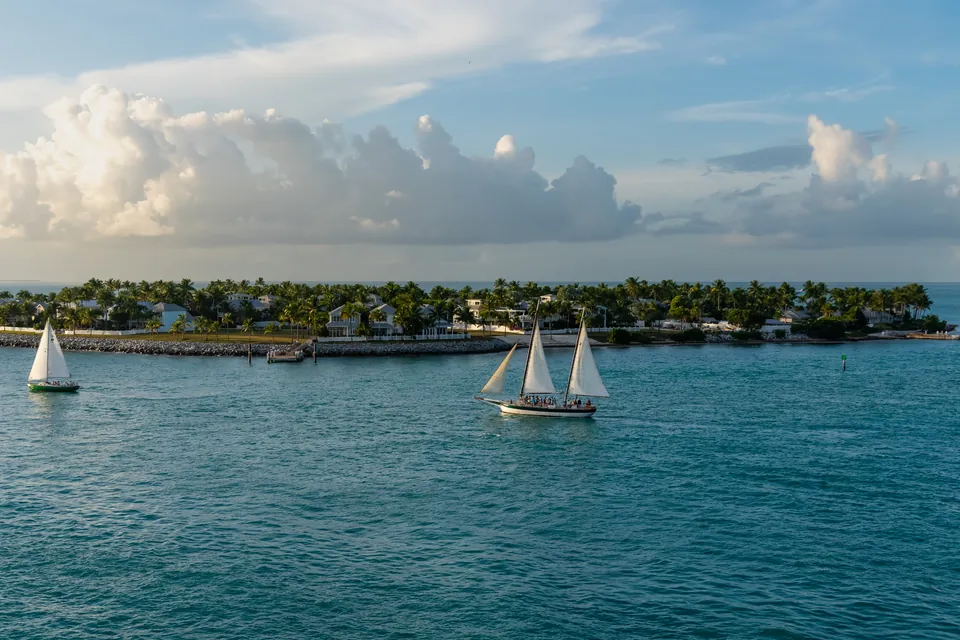
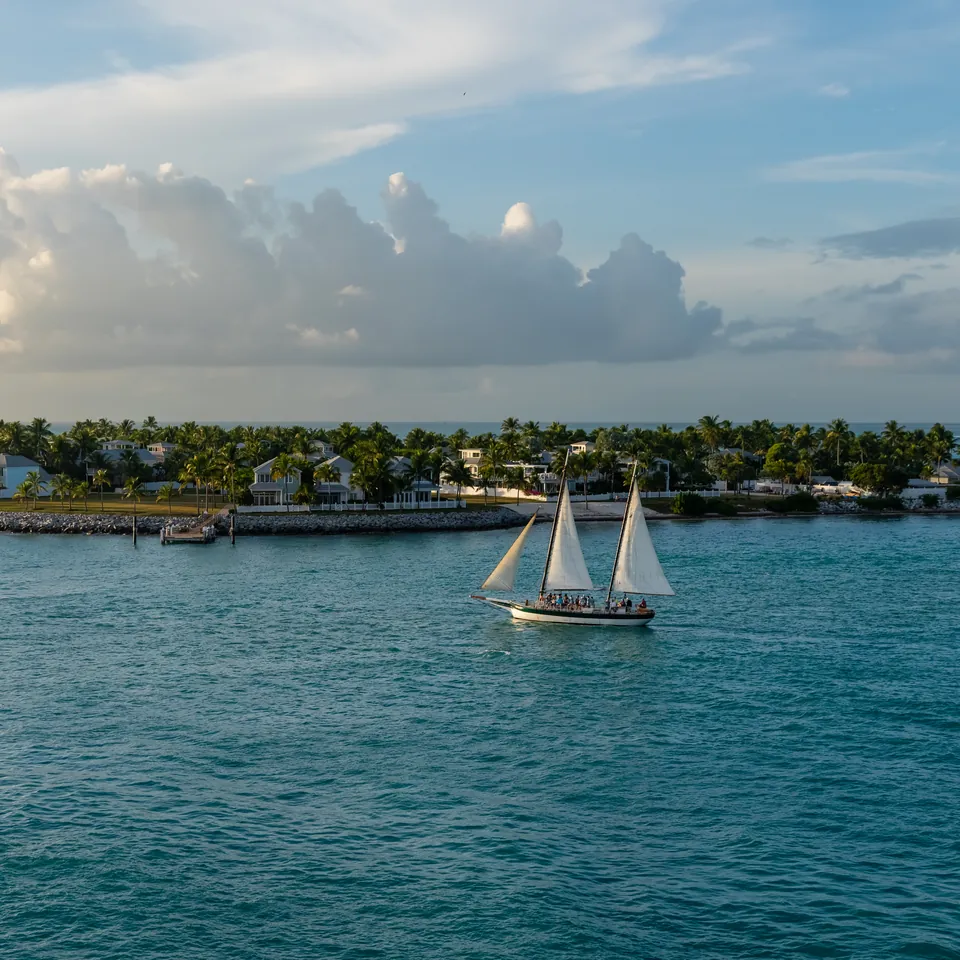 02 Sunset Key, Florida
Julian Lupyan · CC0
02 Sunset Key, Florida
Julian Lupyan · CC0
-
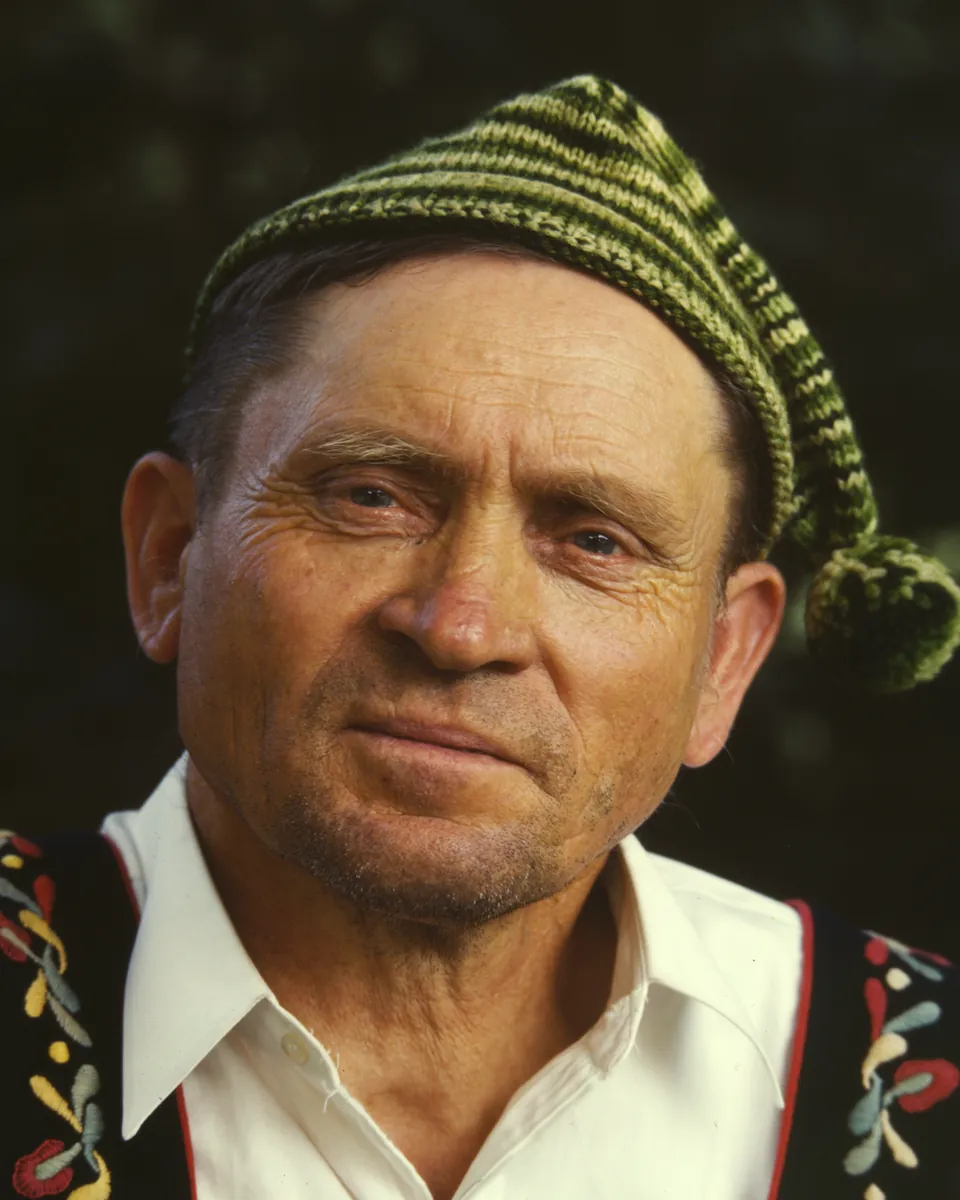
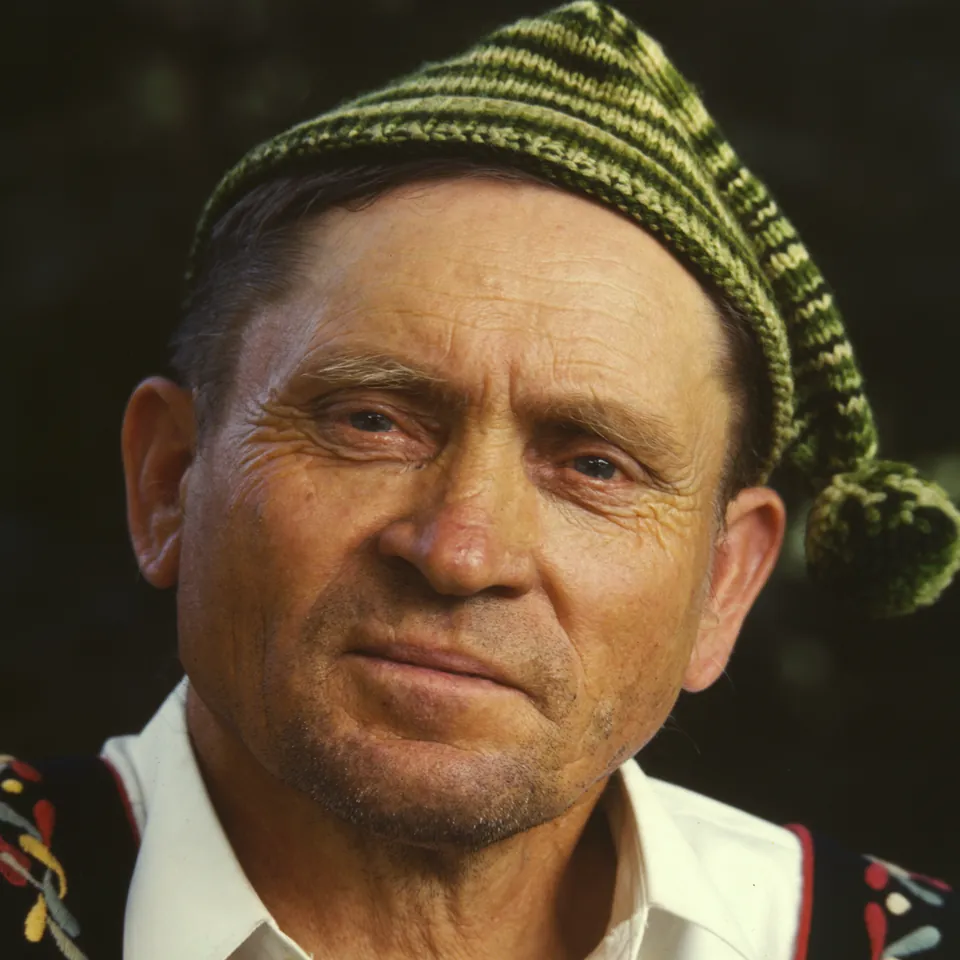 03 Guide at Little Norway, 1942
Arthur Rothstein, FSA/OWI · Public domain
03 Guide at Little Norway, 1942
Arthur Rothstein, FSA/OWI · Public domain
-
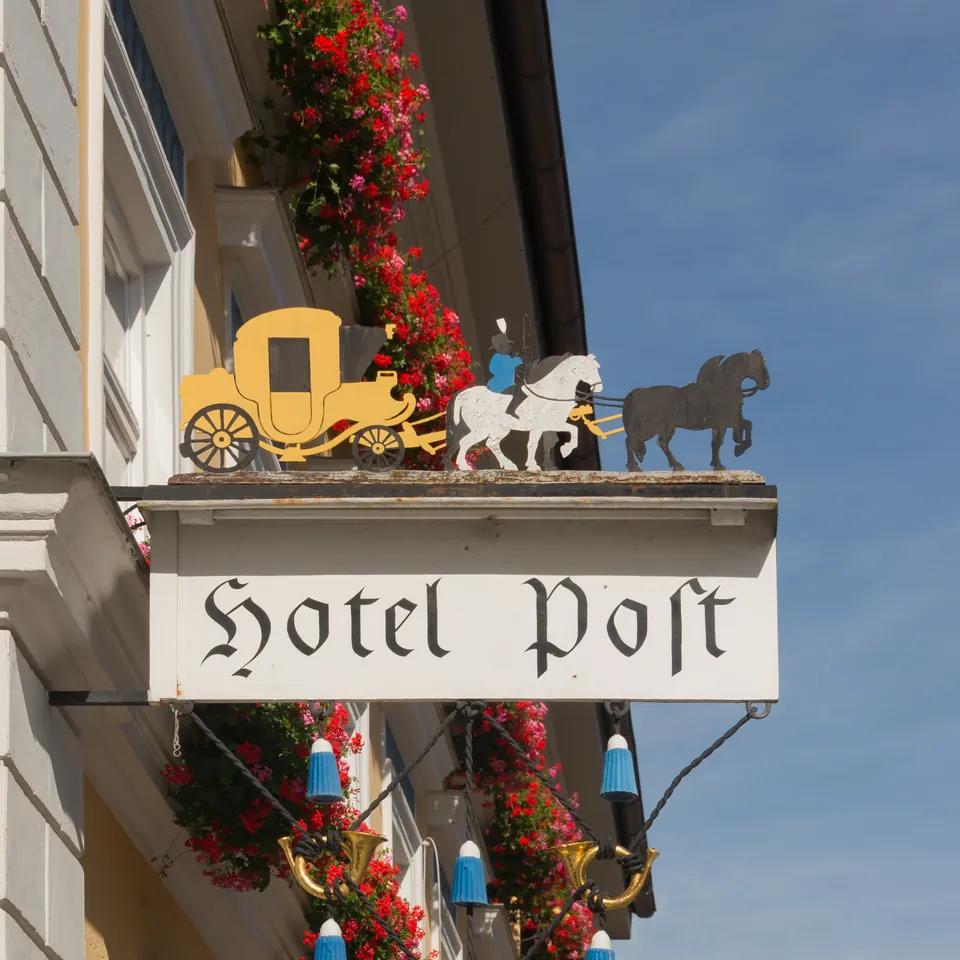 04 Hotel Post, Murnau
Jebulon · CC0
04 Hotel Post, Murnau
Jebulon · CC0
-
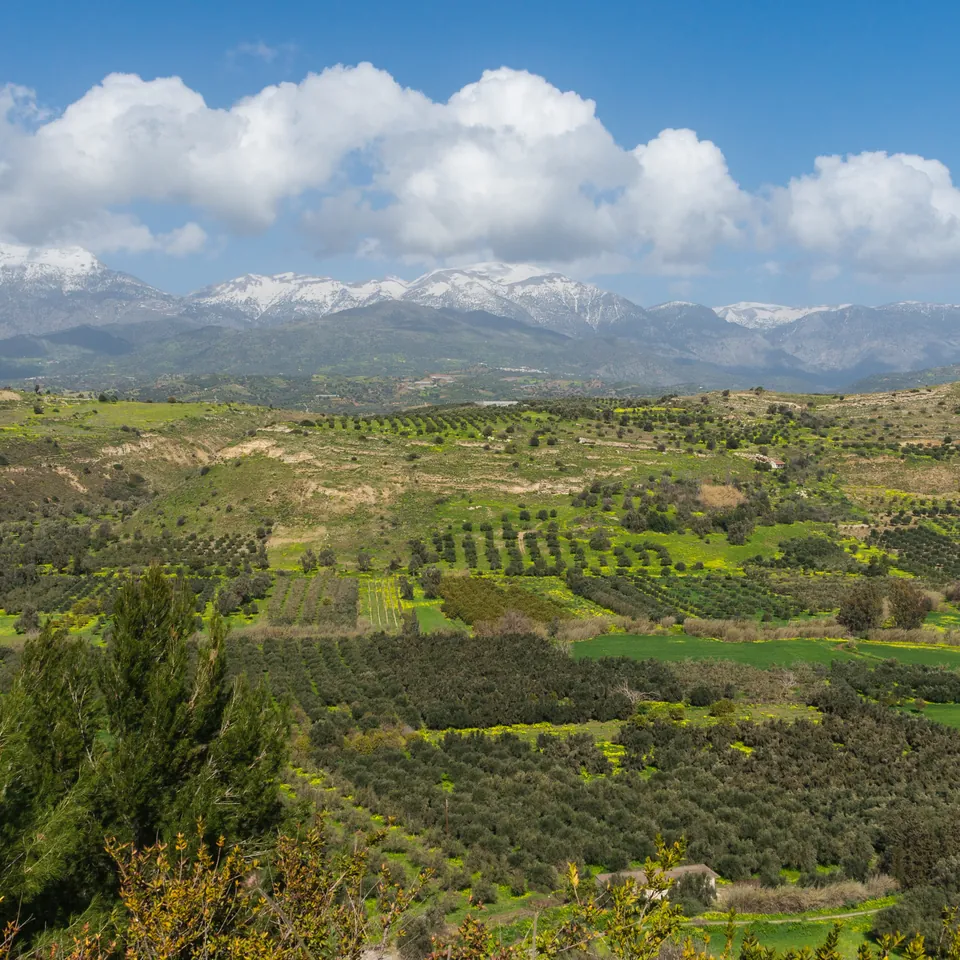 05 Mount Ida, Crete
Jebulon · CC0
05 Mount Ida, Crete
Jebulon · CC0
-
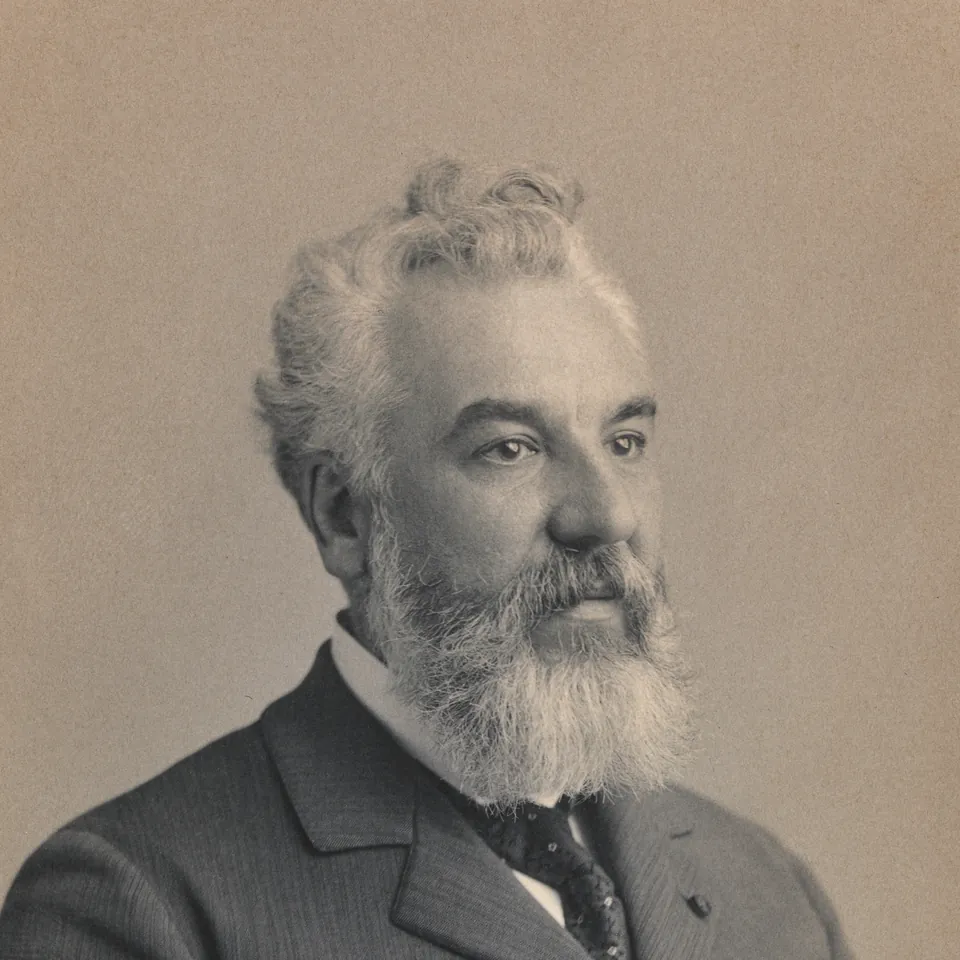 06 Alexander Graham Bell, c. 1895
Unknown photographer · CC0
06 Alexander Graham Bell, c. 1895
Unknown photographer · CC0
-
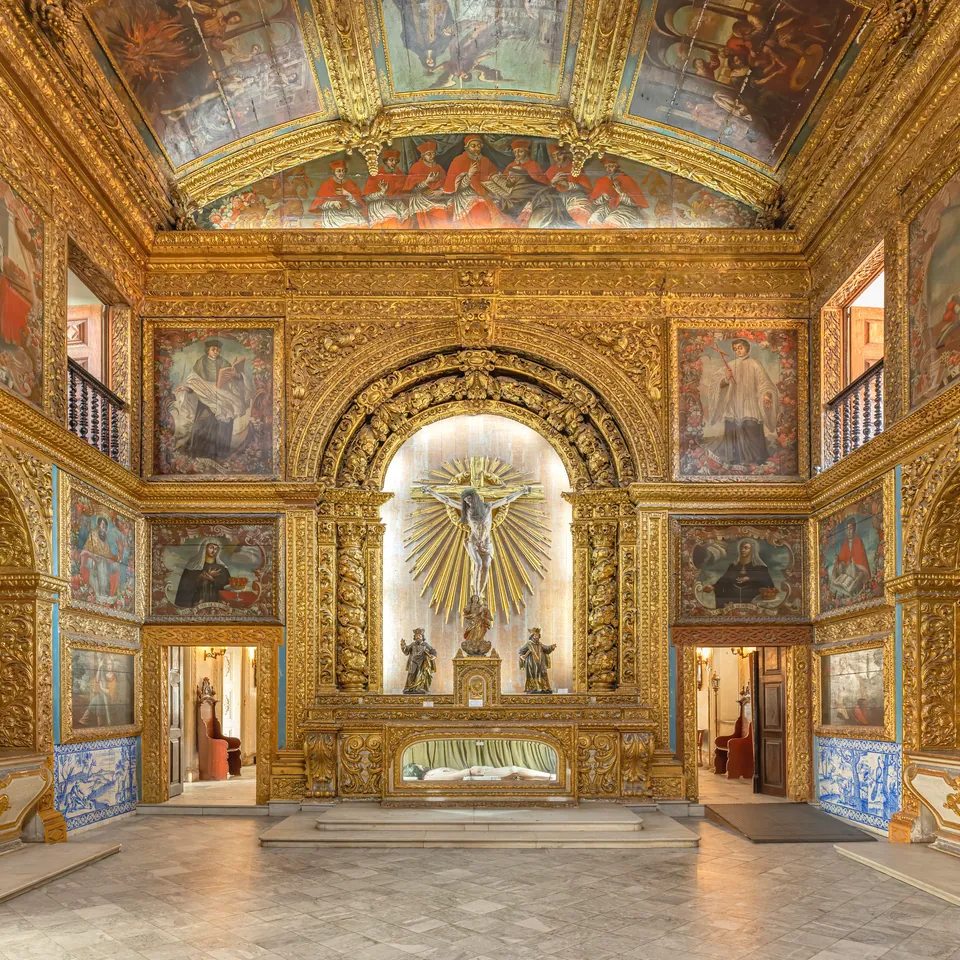 07 Golden Chapel, Recife
Wilfredor · CC0
07 Golden Chapel, Recife
Wilfredor · CC0
-
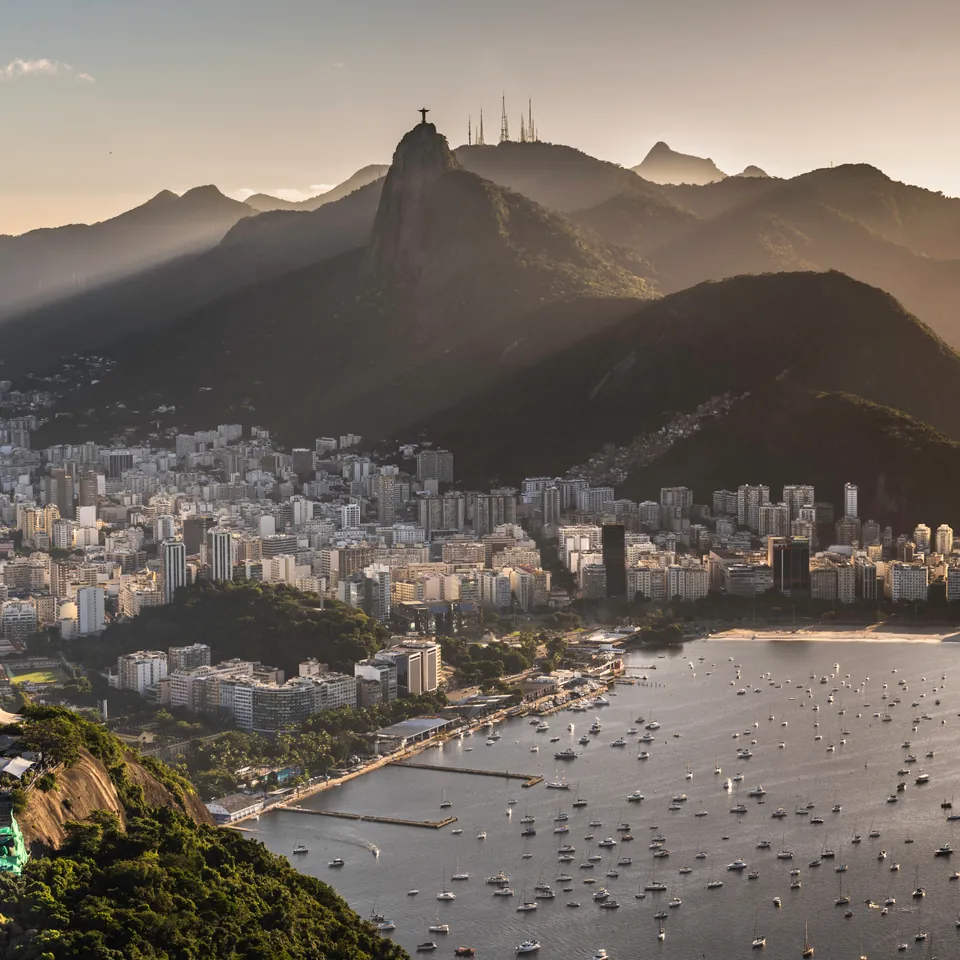 08 Rio de Janeiro at sunset
Wilfredor · CC0
08 Rio de Janeiro at sunset
Wilfredor · CC0
-
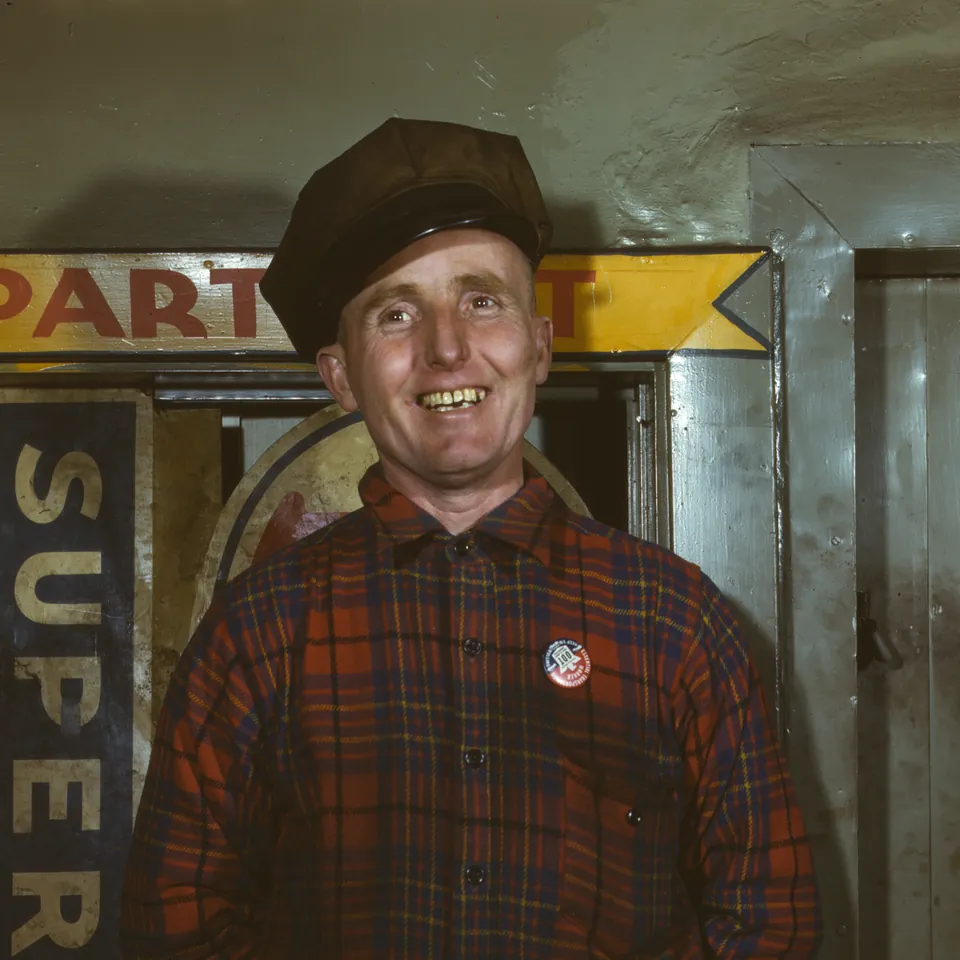 09 Garage mechanic, 1943
Marjory Collins, OWI · Public domain
09 Garage mechanic, 1943
Marjory Collins, OWI · Public domain
-
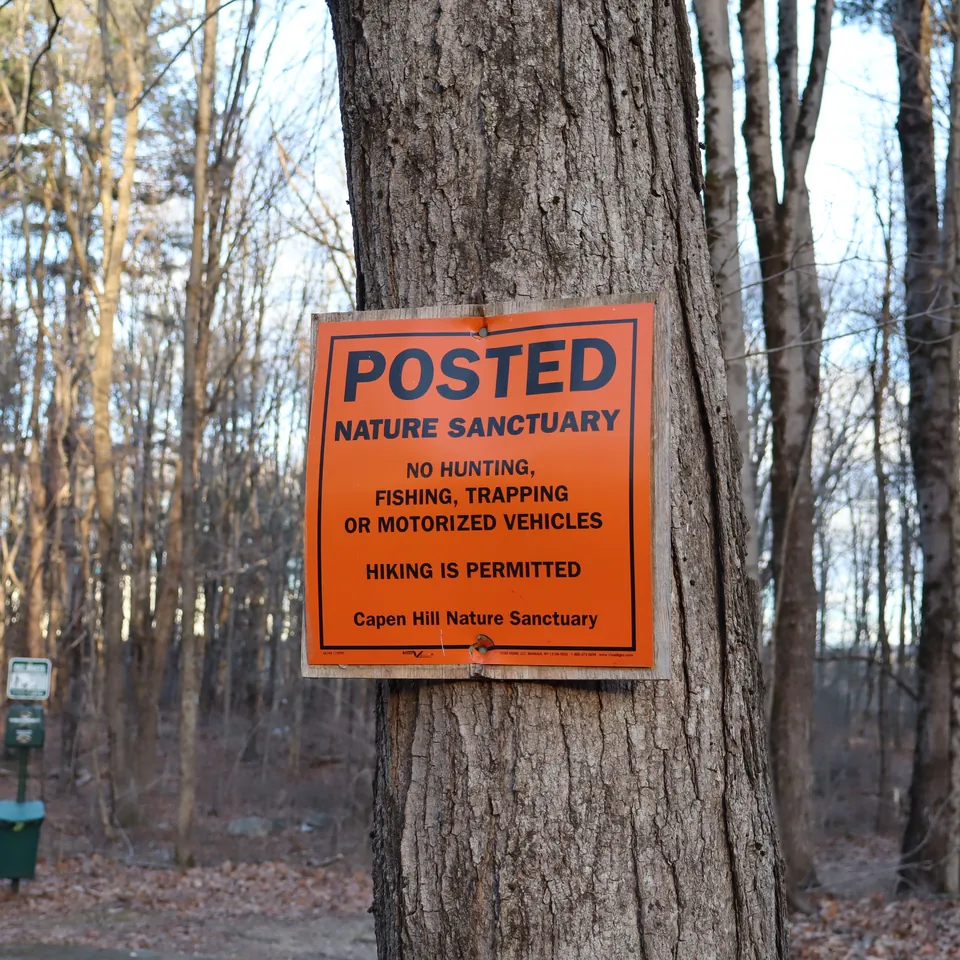 10 Posted sign, Capen Hill
Peter Cooper Jr. · CC0
10 Posted sign, Capen Hill
Peter Cooper Jr. · CC0
-
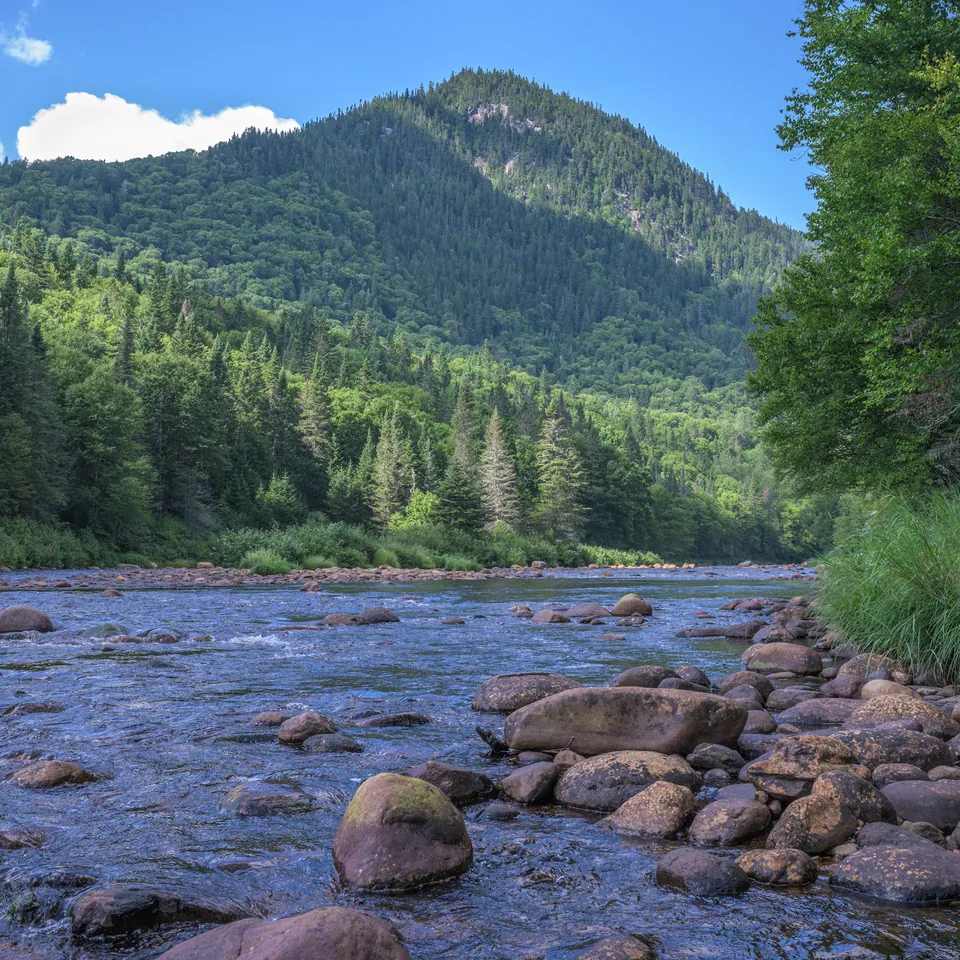 11 Jacques-Cartier river, Quebec
Wilfredor · CC0
11 Jacques-Cartier river, Quebec
Wilfredor · CC0
-
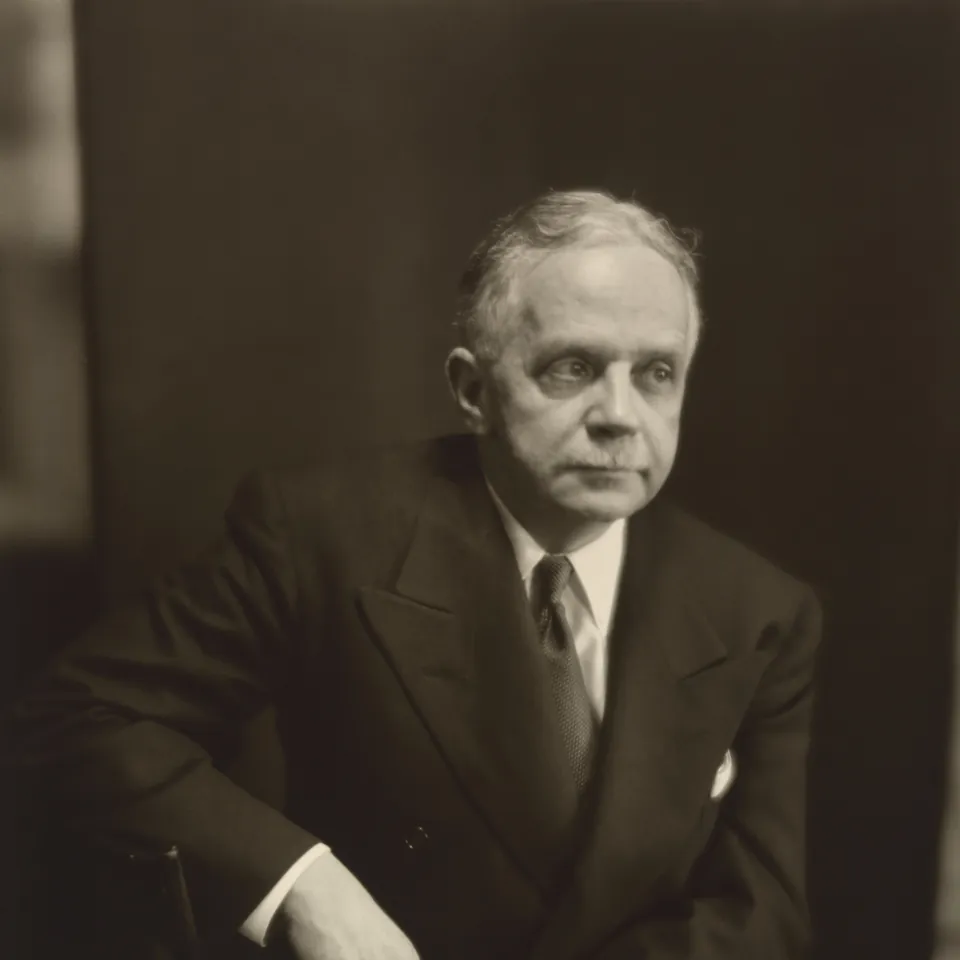 12 Walter White, c. 1950
Clara Sipprell · CC0
12 Walter White, c. 1950
Clara Sipprell · CC0
What is here
Two free tools that never upload your photos. The resizer and compressor shrinks a batch of photos for the web or email, shows the real file size for each quality setting, and removes the camera and GPS metadata. The PSNR and SSIM calculator compares an original with an edited, compressed or upscaled copy and shows where they differ. Both run entirely in your browser.
Measured upscaler baselines. 12 public-domain and CC0 photos, reduced 4x and enlarged again by five free methods, from plain bicubic to Real-ESRGAN, scored against the originals with PSNR, SSIM and LPIPS, with side-by-side crops. It is the yardstick commercial tools have to beat: upscaler baselines.
The method, in public. How photos are chosen and licensed, how a tool is scored, what the numbers can and can't tell you, and how commercial tools are tested within their own terms: methodology.
A buyer's guide grounded in the test. What actually differs between AI upscalers, and how to test one on your own photos before you pay: how to choose an AI upscaler.
How the site works
Free-to-use test photos. Every test photo is public domain or CC0, with its source and license on the methodology page, and no photo of an identifiable living person. Anyone can download the same files and check our numbers.
Scores from code, crops for your eyes. PSNR and SSIM measure how close an output is to the original, pixel for pixel. They don't measure how good it looks, and AI upscalers are exactly where the two part ways. So every score comes with crops of the same region from every method.
Commercial tools within their terms. We read each tool's terms of service before using it, use only free tiers that need no account, and never work around a limit or a captcha. A vendor sees its results seven days before they are published. A pilot round has been measured and will be published once the vendor has had that week.
Background removal and restoration are next. Their test methods are written down on the methodology page; nothing is published until it has been measured.
Paid links are labeled. The site may earn affiliate commissions from some photo-software companies, labeled "(paid link)" wherever they appear. None are active today. See the affiliate disclosure.
Also available as Markdown.